WHATWG, Firefox and bad ports
When I setup my Termix instance I used port 6666/tcp. However on my first visit I wasn't greeted with a Termix login page, rather a Firefox message appeared. One I had never encountered before.
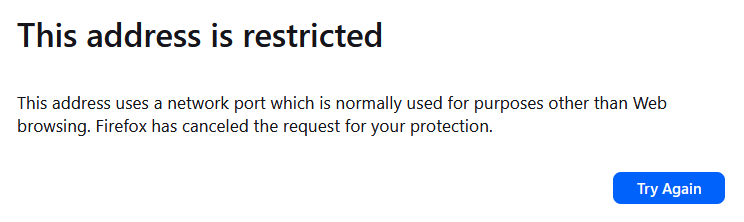 Huh? What? I use all kinds of strange ports in my home network and never got that error message.
I was kind of annoyed that there was no button labeled "I know the risk, take me there anyway".
However a quick search showed the solution.
- Open about:config
- Enter:
network.security.ports.banned.override- The key doesn't exist per-default
- Create it as type "String"
- Add the port number
- If multiple ports are needed specify them as a comma separated list:
6666,7777
- If multiple ports are needed specify them as a comma separated list:
This is how it looks in my case:

What ports are blocked? And why?
If we look at the source code, we see the list of ports that is blocked: https://searchfox.org/firefox-main/source/netwerk/base/nsIOService.cpp#122
In total just shy over 80 ports are blocked. And there seems to be no separation between UDP or TCP ports.
A bit more Firefox context is in their Knowledge Base: https://kb.mozillazine.org/Network.security.ports.banned
They get this port list from the "The Web Hypertext Application Technology Working Group (WHATWG)" who define a list of "bad ports" in this document: https://fetch.spec.whatwg.org/#port-blocking
Apparently "A port is a bad port if it is listed in the first column of the following table.", well you never stop learning. 😉