yt-dlp error "No video formats found" and how I learned about DASH and that my yt-dlp filter could be improved
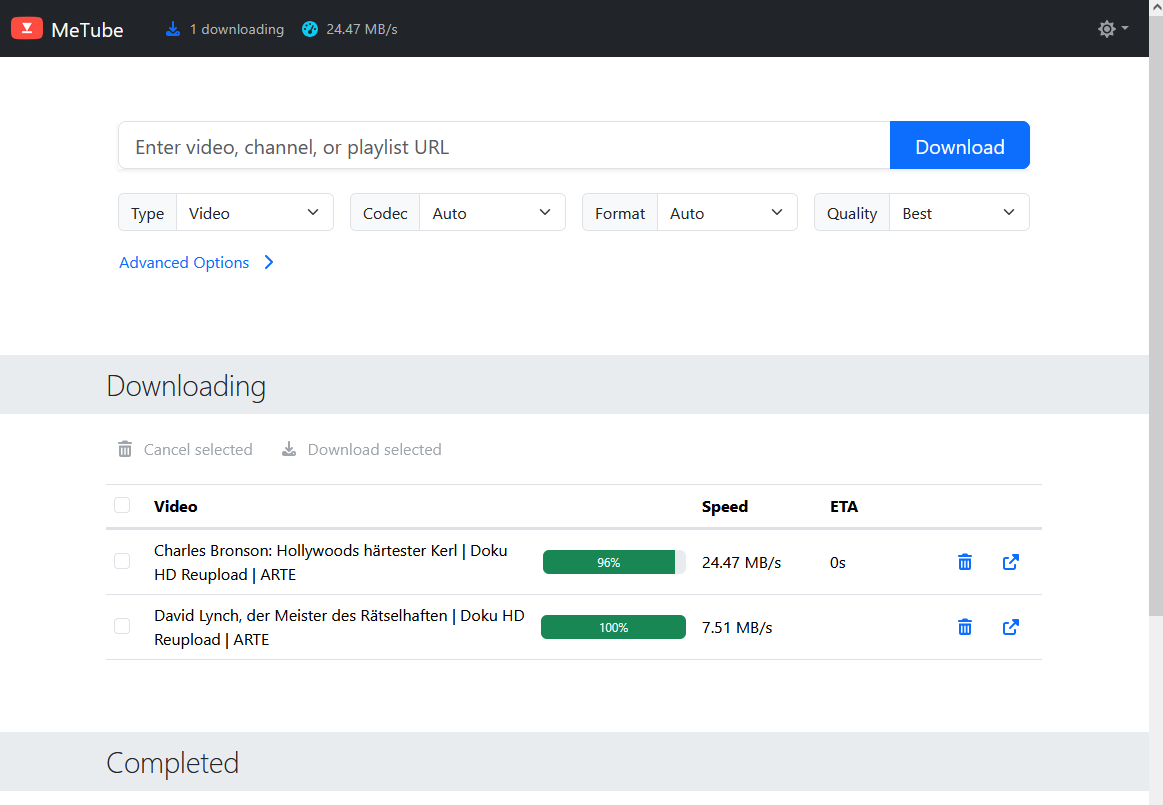
I participated in an only workshop at the weekend and the organisers kindly provided the recording as an unlisted YouTube video. As I wanted to watch the video again at a later time I used my MeTube installation to download the YouTube video. Or rather: Tried to.
As the download would fail. MeTube would say no requested formats could be found. The video however played nicely on YouTube!?
The setup
I use a self-hosted web frontend for yt-dlp in Docker called MeTube, configured through the YTDL_OPTIONS environment variable. My config looked like this:
YTDL_OPTIONS={ "cookiefile":"/downloads/cookies/cookies.txt", "format-sort": "res:1080", "format": "best[language^=de]/best[language^=en]/b", "merge_output_format": "mp4" }
The idea behind this filter was:
- Limit video to 1080p in quality (not higher)
- Use the best available version with German audio
- Else use the best available version with English audio
- Use whatever is available as fallback
Step 1: Debugging
Naturally my first move was to check what kind of formats are offered for this video in order to verify the error message.
user@host:~$ yt-dlp -F "https://www.youtube.com/watch?v=VIDEO_ID"For clarity I removed some lines and columns to make it more easier to read:
ID  EXT   RESOLUTION │ VCODEC          ACODEC      MORE INFO
─────────────────────────────────────────────────────────────────────
139 m4a   audio only │ audio only      mp4a.40.5   low, m4a_dash
140 m4a   audio only │ audio only      mp4a.40.2   medium, m4a_dash
251 webm  audio only │ audio only      opus        medium, webm_dash
134 mp4   640x360    │ avc1.4D401E     video only  360p, mp4_dash
136 mp4   1280x720   │ avc1.64001F     video only  720p, mp4_dash
137 mp4   1920x1080  │ avc1.640028     video only  1080p, mp4_dash
398 mp4   1280x720   │ av01.0.05M.08   video only  720p, mp4_dash
399 mp4   1920x1080  │ av01.0.08M.08   video only  1080p, mp4_dash
Notice something? Every single format is either audio only or video only. There is not one single format which contains both. Remember that for later.
Step 2: Why my filter found nothing
In yt-dlp's format selection best (or b) means: the best single file which contains video AND audio. And there are none. So all three alternatives of my filter (best[language^=de], best[language^=en] and b) ran into the void. Hence the error: "No video formats found!". The formats exist, my filter just didn't select any of them.
Nowadays YouTube serves high-quality video and audio as separate streams (DASH, see my separate article). yt-dlp downloads both and merges them with ffmpeg (provided it is installed and yt-dlp can find it) afterwards. For this you need to select video and audio separately and join them with a +:
bv* = best video (the * also allows formats which already have audio)ba = best audiobv*+ba = download both and merge them
Also I learned that "format-sort": "res:1080" is not actively filtering content, instead it just sorts the format results. Also its syntax was wrong. Correct is: "format_sort": ["res:1080"].
If you want to limit video content based on resolution use something like this: bv*[height<=1080]
Step 3: The corrected filter?
"format": "bv*+ba[language^=de]/bv*+ba[language^=en]/bv*+ba/b"
Read from left to right: Best video plus German audio. If there is no German audio then best video plus English audio. If that doesn't work either, best video plus whatever audio there is. And only if everything fails, the old b as a last resort.
I tested this on the command line first and it worked.
However.. It failed for another video. The video had English and German audio, according to the filter I should have gotten the video with the German audio track, but I didn't.
And here is where DASH becomes relevant: ba works for non-combined formats ONLY, meaning: ba only matches results with "audio only" under RESOLUTION (when using yt-dlp -F) Which is the case when DASH is used. On older videos however this might not be the case and you have only combined formats available. ba simply ignores these and hence my /b fallback matched and gave me the default audio track.
For combined formats we have to use best or b.
Step 4: The new filter
Long story short, I ended up with the following filter which takes care of both, combined and non-combined, formats along with audio-only content:
'YTDL_OPTIONS={ "format_sort": ["res:1080"], "format": "bv*+ba[language^=de]/bv*+ba[language^=en]/b[language^=de]/b[language^=en]/bv*+ba/b/ba[language^=de]/ba[language^=en]/ba", "merge_output_format":"mp4" }'
- format: alternatives separated by /, tried left to right, first match wins
bv*+ba[language^=de]: best "video only" + best German "audio only"bv*+ba[language^=en]: best "video only" + best English "audio only"b[language^=de]: best combined format with German audiob[language^=en]: best combined format with English audiobv*+ba: best "video only" + best "audio only", any languageb: best combined video+audio formatba[language^=de]: best German audio-only (for content without video)ba[language^=en]: best English audio-only (for content without video)ba: best audio-only, any language
This should be sufficient for the future (I hope! 😂) as I also took care to handle audio-only content.
 (Click to enlarge)